Passport Photo A4 Sheet and Print Guide
Complete guide to printing professional passport photos. Save money by printing at home or take our print-ready file to any local photo shop.
A good print is about more than hitting the print button. You need the right paper, the correct scaling, and enough drying time so the final photo looks clean and professional. This guide shows you how to avoid common print mistakes and get a result that feels studio-ready without the extra cost.
We review this page regularly when government specifications or portal rules change.
Continue Reading
How we keep this guide updated
We review this guide when Passport Seva, UIDAI, NSDL, embassy portals, or official document specifications change. We also revise examples and FAQs based on common user errors.
Print intent
Print only after the digital crop is correct
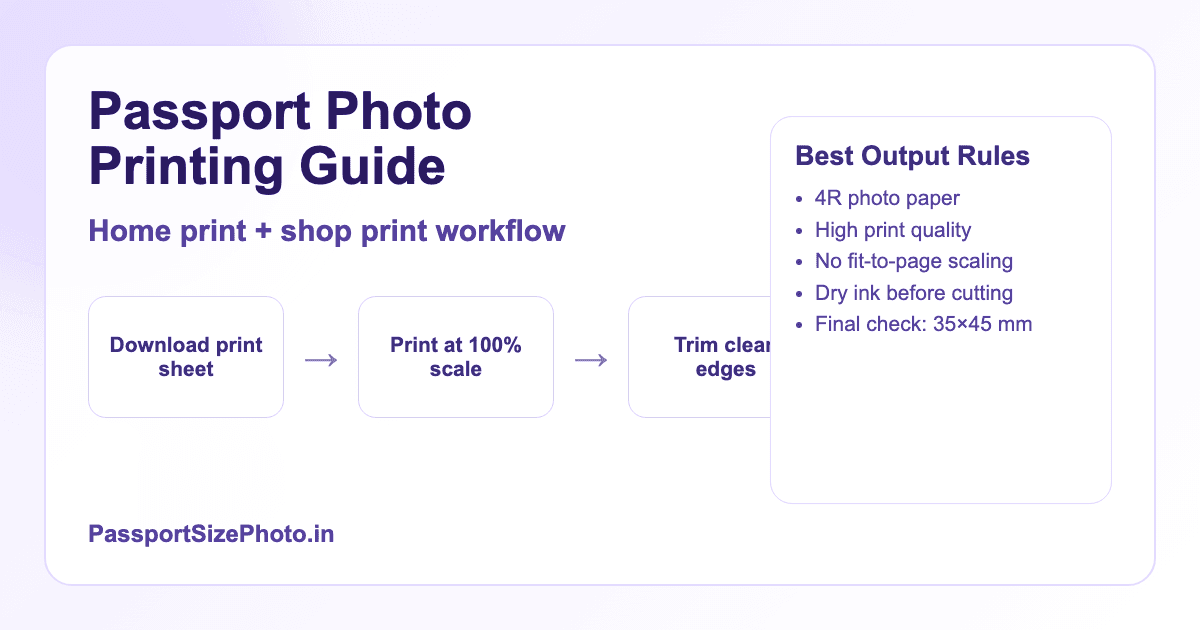
For home or shop printing, export an A4 or 4x6 sheet at actual size. Do not use fit-to-page scaling. Print on photo paper, let the ink dry, and measure one photo before cutting the full sheet.
- Disable fit-to-page or auto-scaling in print settings.
- Use a ruler and sharp cutter for clean edges.
- Ask the photo shop to print the file at actual size.

Related next steps
Print at Home
Using your own printer
- ✓ Cost: ₹10-15 per sheet
- ✓ Time: Ready in 5 minutes
- ✓ Requirement: Photo printer + paper
This option works best if you print often, want full control over quality, or need multiple copies for repeated forms. It is also the easiest way to reprint later if you need one more sheet.
Print at Shop
Local photo printing shop
- ✓ Cost: ₹5-10 per sheet
- ✓ Time: 10-30 minutes
- ✓ Requirement: Just the digital file
This is usually the easiest option if you do not own a photo printer. A local shop can print on proper photo paper and cut multiple copies for you, which is useful when you want a neat batch quickly.
Step 1: Choose the Right Paper
Photo paper is worth the small extra cost because it holds ink more evenly than regular paper. The result looks sharper, feels sturdier, and reduces the risk of dull colors or visible grain. If your photo needs to pass as an official document photo, paper choice matters more than many people think.
Photo Paper Recommendations
| Type | Finish | GSM | Best For |
|---|---|---|---|
| Glossy | Shiny, reflective | 200-260 | Vibrant colors, professional look |
| Semi-Matte | Slight sheen | 180-220 | Balanced, less fingerprints |
| Matte | No shine | 180-200 | No glare, official documents |
Popular Brands in India
Epson Premium Glossy • Canon Photo Paper Pro •HP Premium Plus • Kodak Ultra Premium
Available at: Amazon, Flipkart, local stationery shops. Cost: ₹150-300 for 20 sheets.
If you print only occasionally, semi-matte is a safe middle ground because it keeps glare low while still looking polished in office lights and on a scanner.
Step 2: Configure Printer Settings
The best-looking photo can still fail if the printer stretches it or applies the wrong paper profile. Set the printer to actual size, choose the correct paper type, and keep the quality high enough to preserve facial detail without introducing blotches or grain.
Windows Settings
- 1. Open photo file and press Ctrl+P
- 2. Select your photo printer
- 3. Click More Settings or Preferences
- 4. Set Quality: Best or High
- 5. Set Paper Type: Photo Paper Glossy
- 6. Set Paper Size: 4x6 inch (4R)
- 7. Set Scaling: 100% or Actual Size
Mac Settings
- 1. Open photo in Preview
- 2. Press Cmd+P to print
- 3. Select printer and click Show Details
- 4. Set Paper Size: 4x6 Photo
- 5. Set Quality: Best
- 6. Set Media Type: Photo Paper
- 7. Scale: 100%
Critical Setting
Never use "Fit to Page" or "Scale to Fit". This will change photo dimensions. Always select 100%, Actual Size, or No Scaling.
If your printer has a borderless mode, leave it off unless you know exactly how it handles scale. Borderless printing can subtly crop the edges and change the final size.
Step 3: Print Your Photos
Before printing the full batch, run one test sheet if possible. That small step helps you catch any color shift, paper feed issue, or sizing problem before you waste extra paper and ink.
- 1
Load Photo Paper
Insert paper with glossy/coated side facing up (or per your printer's instructions). Use paper tray guide for alignment.
- 2
Print Test Page
Print one sheet first to check colors and alignment. Adjust settings if needed before printing more.
- 3
Allow Drying Time
Let prints dry for 2-5 minutes. Avoid touching printed surface to prevent smudging and fingerprints.
Let the sheet rest flat after printing so the ink can settle properly. If you stack or fold it too early, the surface can mark and the final cut may look less clean.
Step 4: Cut Your Photos
Clean cutting is what turns a good print into a usable photo. Keep the blade sharp, follow a straight edge, and leave no extra white border unless the document specifically allows it.
Tools Needed
- Sharp scissors or paper cutter
- Ruler or scale (inches/cm)
- Cutting mat (optional)
- Pencil for marking (optional)
Cutting Tips
- • Cut along outer edges of each photo
- • Use ruler as straight-edge guide
- • Make smooth, single cuts (no jagged edges)
- • Measure final size: 35×45mm
If you need several copies, cut one photo first and measure it before trimming the rest. That small check helps you keep the entire batch consistent.
Cost Comparison
The actual savings depend on how often you print. For a one-off photo, a local shop is usually the fastest path. For repeated use, home printing can be cheaper over time, especially if you already own a decent printer and keep a stack of photo paper nearby.
| Method | Cost per Sheet | Photos | Cost per Photo |
|---|---|---|---|
| Photo Studio | ₹50-100 | 4-6 | ₹15-25 |
| Local Print Shop | ₹5-10 | 4-8 | ₹1-2 |
| Home Printing | ₹10-15 | 4-8 | ₹1-3 |
* Home printing costs include paper (~₹8) and ink usage (~₹5). Actual costs vary by printer and paper brand.
If you are printing for a family member or for several forms at once, the per-photo cost drops even more because one sheet can carry multiple copies in a clean, ready-to-cut layout.
Extra Print Checks Before You Submit
Before you hand over the print or attach it to a form, pause for a final review. Check whether the eyes are sharp, the background stays even, and the sheet has enough margin around each image for clean cutting. These details sound small, but they decide whether a print looks neat or rushed.
It also helps to compare the first and last copy in a batch. If the printer started low on ink or if the paper feed changed slightly during printing, the colors can drift from one sheet to the next. Catching that early means you only need to reprint the weak sheet instead of repeating the whole batch.
If you are saving the file for later use, keep the original print-ready version in a separate folder. That way, you can make a fresh batch next time without hunting for settings or rebuilding the layout from memory.
What Makes a Print Look Human-Made and Not Stiff
The best document prints do not feel overdesigned. They simply look clean, balanced, and dependable. That means the face is easy to recognize, the crop is comfortable, and the paper quality matches the seriousness of the application. A print that feels normal and well kept usually performs better than one that looks overly edited.
In practice, that means avoiding harsh sharpening, excessive contrast, or fancy backgrounds that draw attention away from the face. Keep the final output simple. If a person can glance at the sheet and immediately understand what it is for, the print is probably on the right track.
Frequently Asked Questions
What paper should I use for passport photos?
Use photo paper with 180-200 GSM weight. Glossy or semi-matte finish works best. Popular brands include Epson, Canon, HP, and Kodak.
Can I print passport photos on regular paper?
Not recommended. Regular paper absorbs ink differently and produces lower quality that may be rejected. Always use photo paper.
What size photo paper works best?
4R (4x6 inches) or 6R (6x8 inches) photo paper is ideal. These sizes accommodate 4-8 passport photos per sheet.
How much does it cost to print at home?
Around ₹5-15 per sheet depending on paper and ink costs. Much cheaper than ₹50-100 at photo studios.
How can I print at exact size?
Set print scaling to 100% or "Actual Size" - never use "Fit to Page". Measure printed photos to verify.
Glossy or matte finish for passport?
Both are generally accepted. Matte reduces glare and fingerprints. Check specific requirements - some documents prefer matte.
Can I take print file to local shop?
Yes! Download our print sheet and take to any photo printing shop. They charge ₹5-10 per 4R sheet.
How do I cut photos accurately?
Use a ruler and sharp scissors or paper cutter. Cut along the outer edges of each photo. Leave no white borders.
What if photos come out too dark/light?
Adjust your original photo brightness before processing. Also check printer ink levels and paper settings.
How many photos fit on one sheet?
Our tool offers 4, 6, or 8 photo layouts. 4 photos is standard and leaves room for cutting marks.
Ready to Create Your Print-Ready Photos?
Our free tool generates print sheets optimized for home printing and local shops.
Create Print Sheet Free →