Correct Photo Example
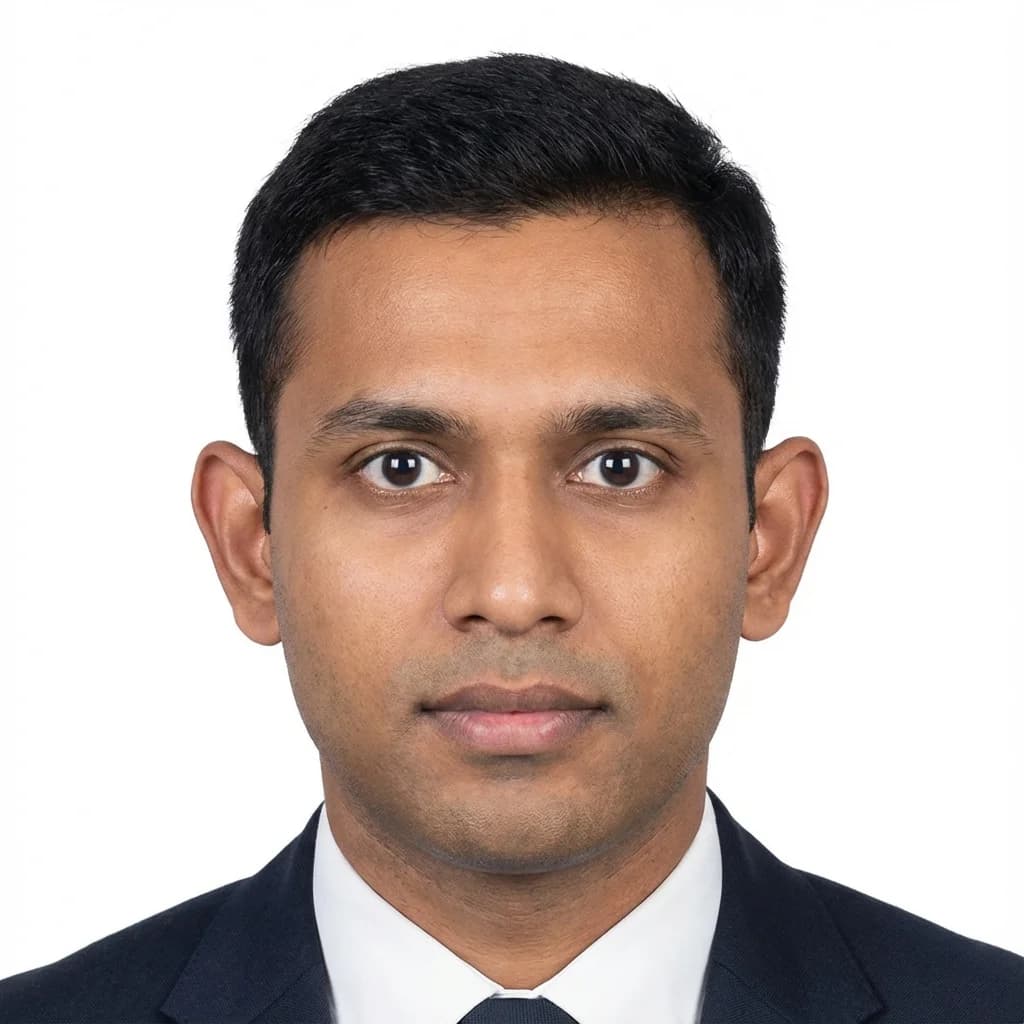
- Plain white background (#FFFFFF)
- Face centered with proper 70–80% size coverage
- Neutral expression with both eyes open
- Even natural lighting with no harsh shadows
भारत के लिए पासपोर्ट साइज फोटो बनाएं - मुफ्त और तुरंत
Create professional passport size photos online in seconds with PassportSizePhoto.in. Our free tool automatically adjusts background, size, and quality to official Government of India standards (35×45mm / 630×810 pixels), then provides instant digital and print-ready downloads.
Looking for the online editor? Try our Create Passport Photo tool.
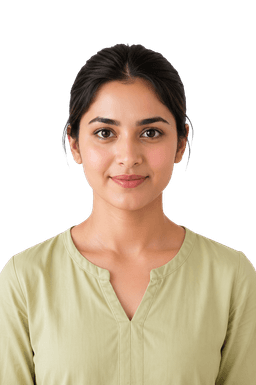
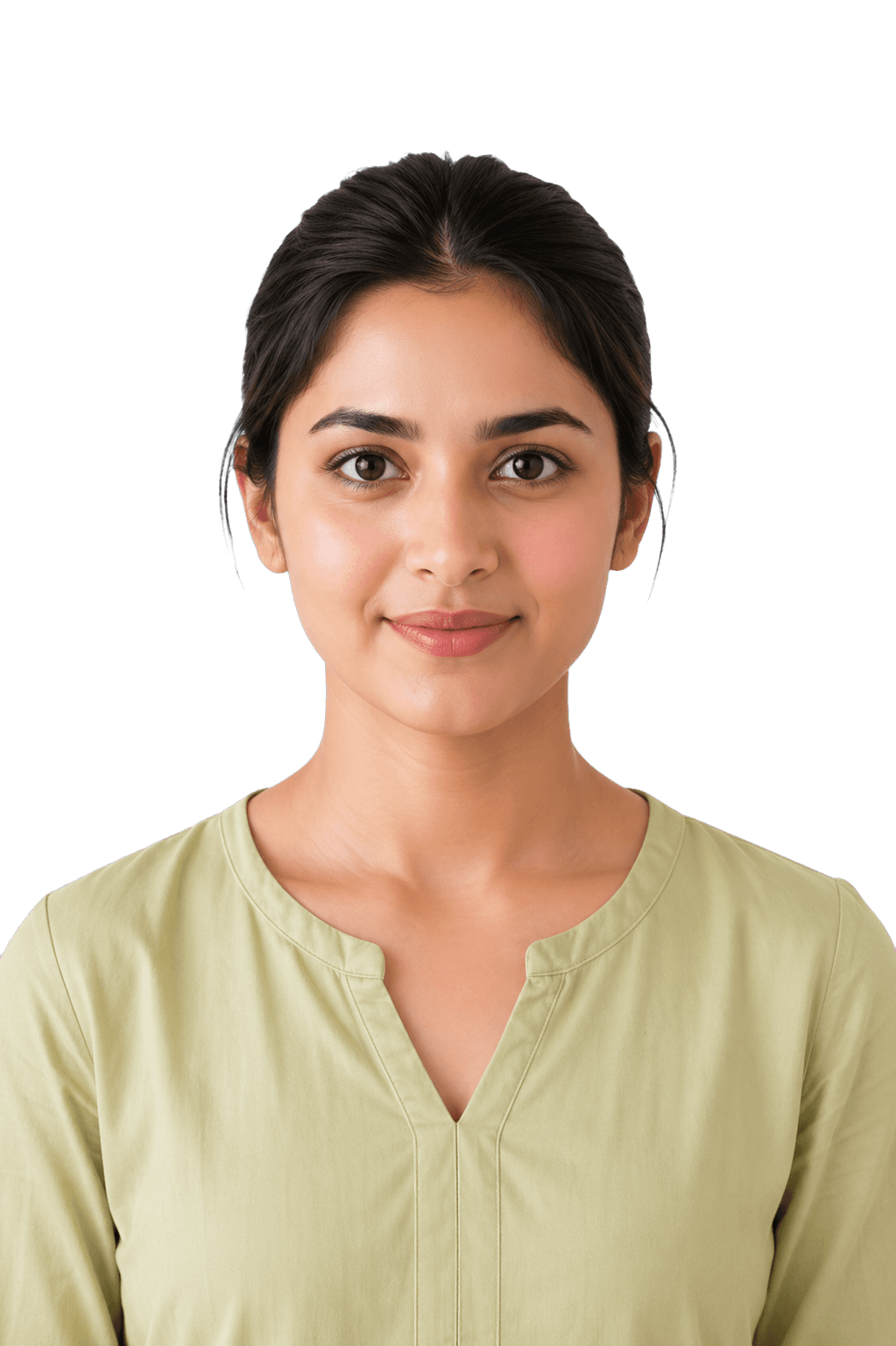
Upload a JPG or PNG, crop to 35×45mm, add a plain background, and download a digital photo or print sheet.
अपनी फोटो अपलोड करें और तुरंत पासपोर्ट साइज फोटो बनाएं
Drag & Drop Your Photo Here
अपनी फोटो यहाँ खींचें और छोड़ें
or click to upload from your device
Learn what makes a perfect passport photo and avoid common mistakes to guarantee application approval.
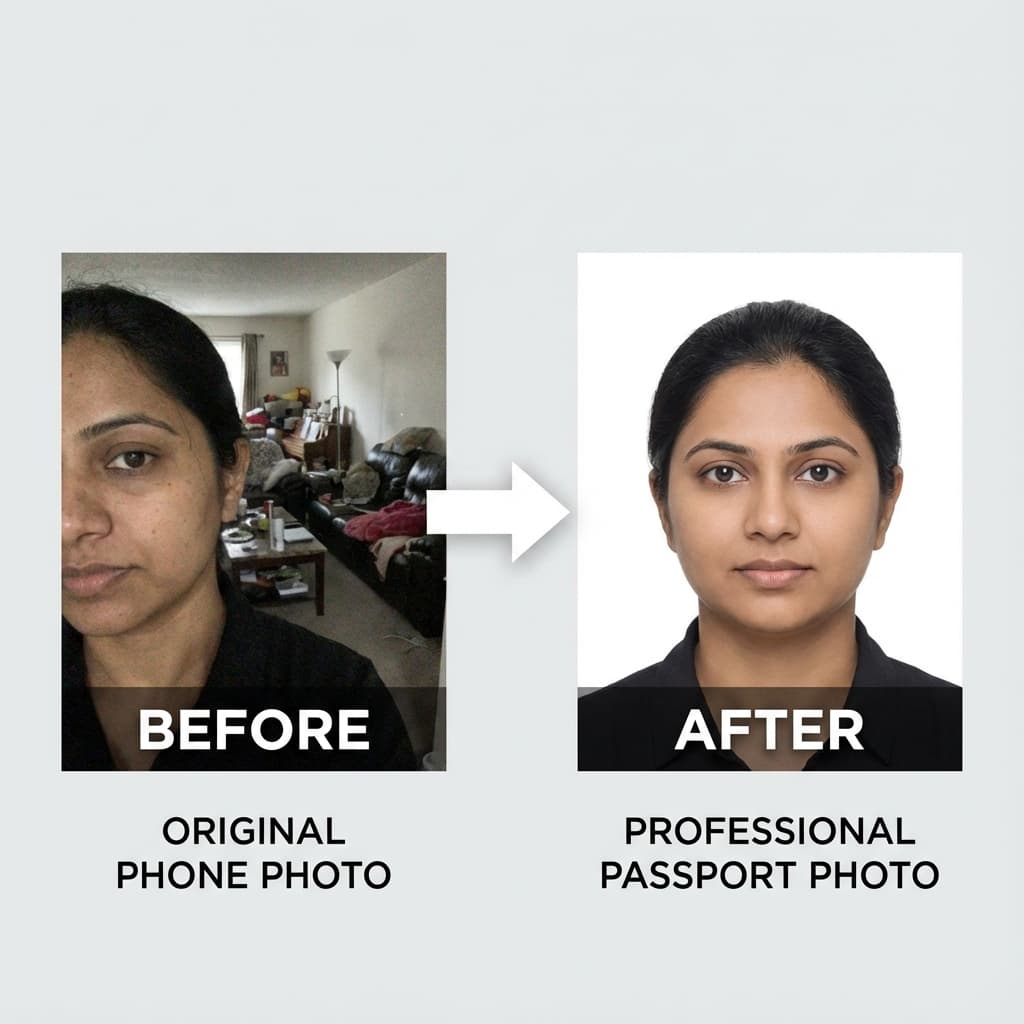
Upload any photo → Get a government-compliant passport photo instantly
Download print sheets with 4, 6, or 8 photos optimized for standard 4R photo paper. Take it to any local printer and save 80% compared to studio prices!
Create Print Sheet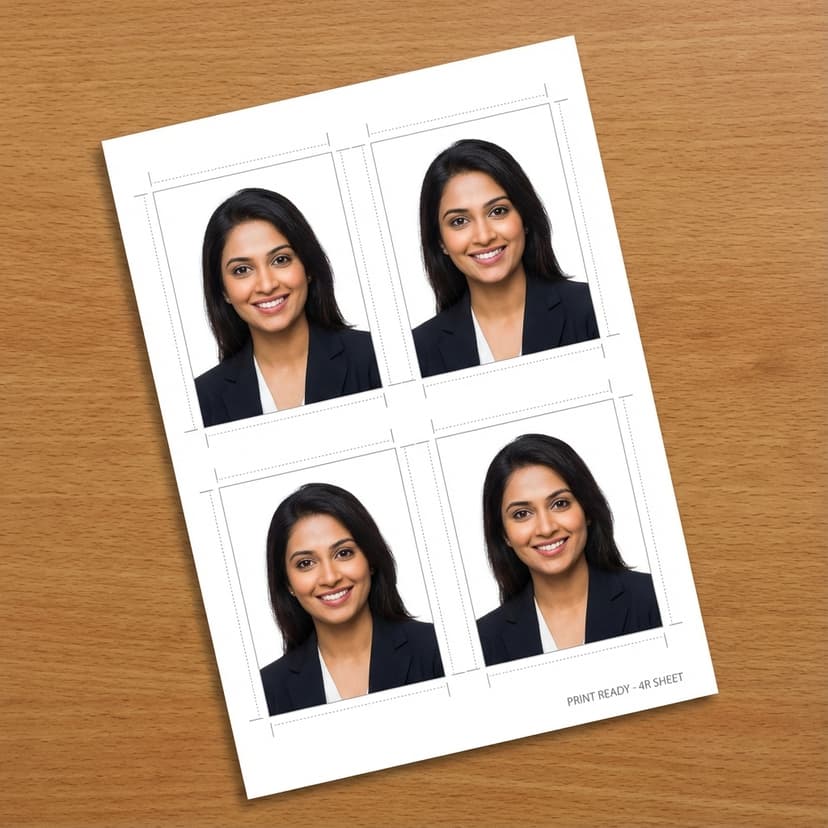
100% Free
Always free to use
No Signup
No login required
Privacy Protected
Your photos stay private
Instant Download
Get photos in seconds
Works on Mobile
Desktop & mobile
Just 3 Simple Steps
Creating professional passport photos has never been easier. Follow these simple steps to get your perfect photo in seconds.
Click the upload button or drag and drop your photo. You can use photos from your phone, camera, or existing pictures. Our tool accepts JPG and PNG formats up to 10MB.
Our tool instantly processes your photo and adjusts it to standard Indian passport size (35×45mm) with exact digital output (630×810 pixels). Choose your preferred background color.
Download your passport size photo instantly with Passport Seva-ready output (630×810 pixels). Choose single photo format for online applications or print-ready sheets with 4-6 photos for physical submission.
Trusted by over 500,000+ Indians to create professional passport photos at home. Here is why we are the #1 choice.
Create unlimited passport size photos at no cost. No hidden fees, no watermarks, and no registration required. Download high-quality photos instantly and save studio expenses.
Fully compliant with India’s official ICAO Doc 9303 passport photo standards. 35×45mm output, pure white background (#FFFFFF).
630×810 pixels JPEG output under 250KB — the exact digital format required by the Passport Seva portal. No manual resizing needed.
Get your passport photo in seconds, not hours. Perfect for last-minute visa applications and online government form submissions.
Download print sheets with 4, 6, or 8 photos optimized for standard photo paper (4R size). Print at any local shop and save up to 80% compared to studio rates.
Works seamlessly across all devices — smartphones, tablets, laptops, and desktops. Take a selfie on the go and create your photo instantly.
Your photos never leave your device. All processing happens locally inside your browser using WebAssembly technology.
Simple drag-and-drop interface designed for everyone. No photo editing experience needed — create professional photos in just 3 clicks.
Perfect For All Indian ID Photos
Passport Photo
For all passport applications
Aadhaar Photo
UIDAI-compliant photo format
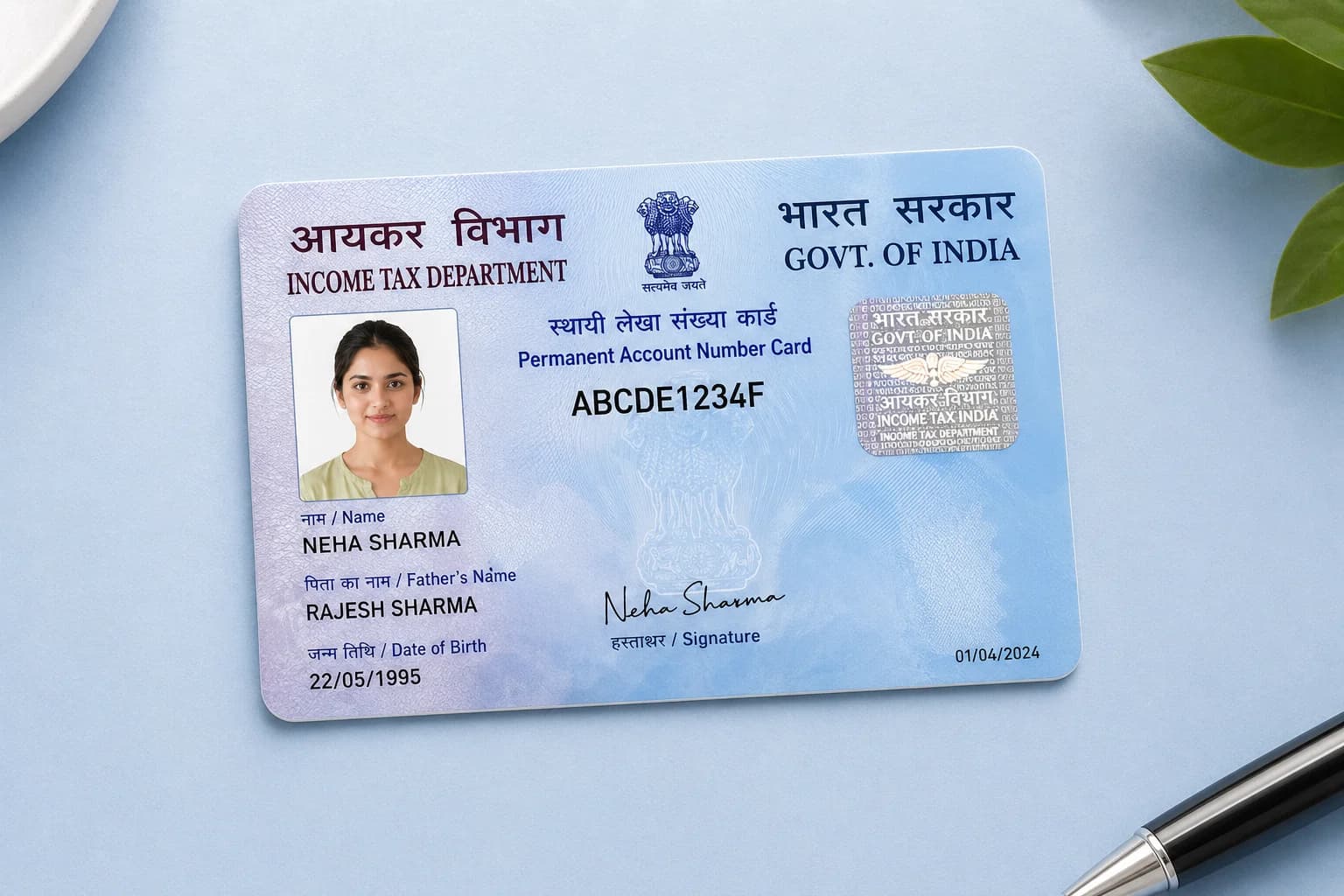
PAN Card Photo
Standard PAN card size output
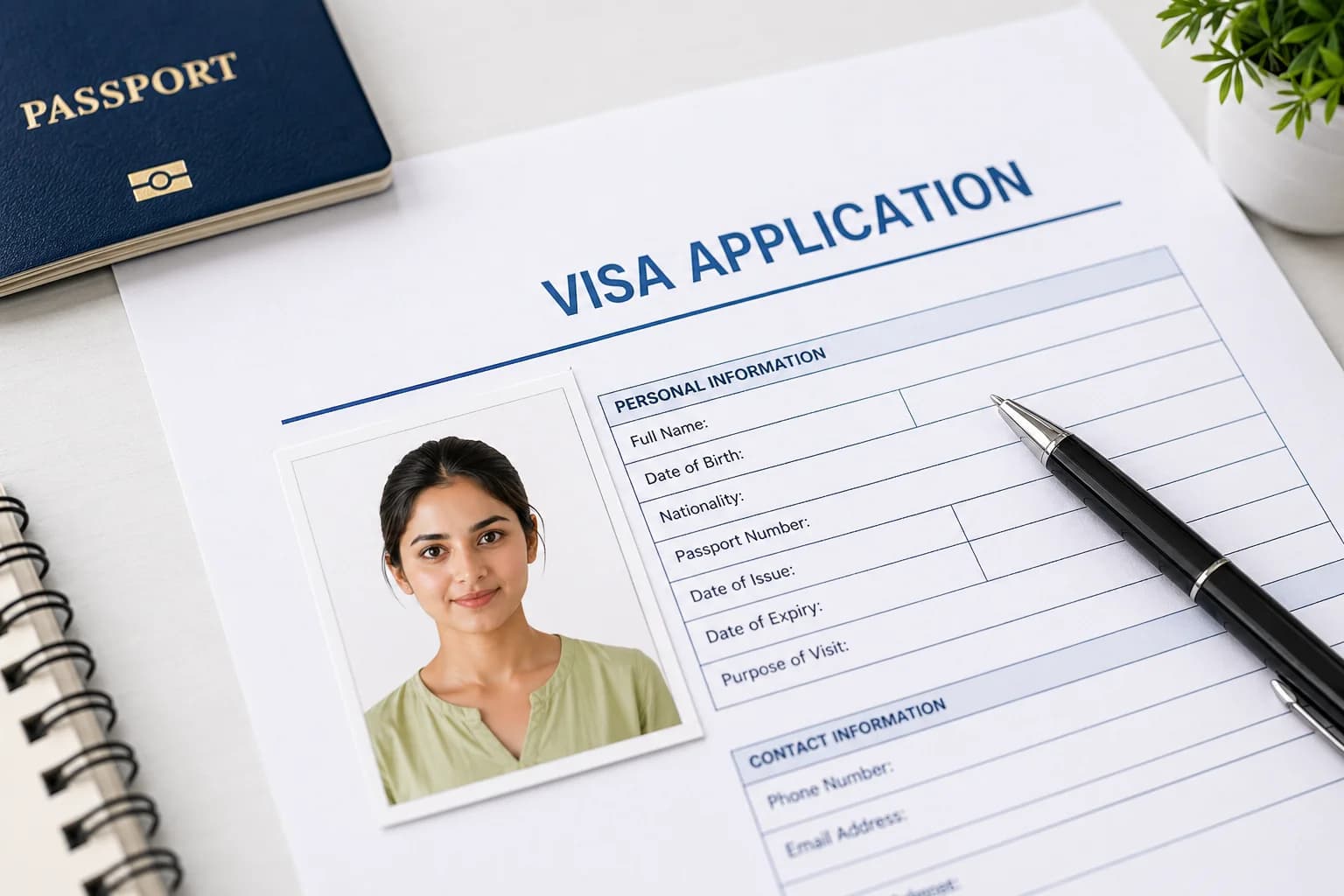
Visa Photo
Supports major country visas
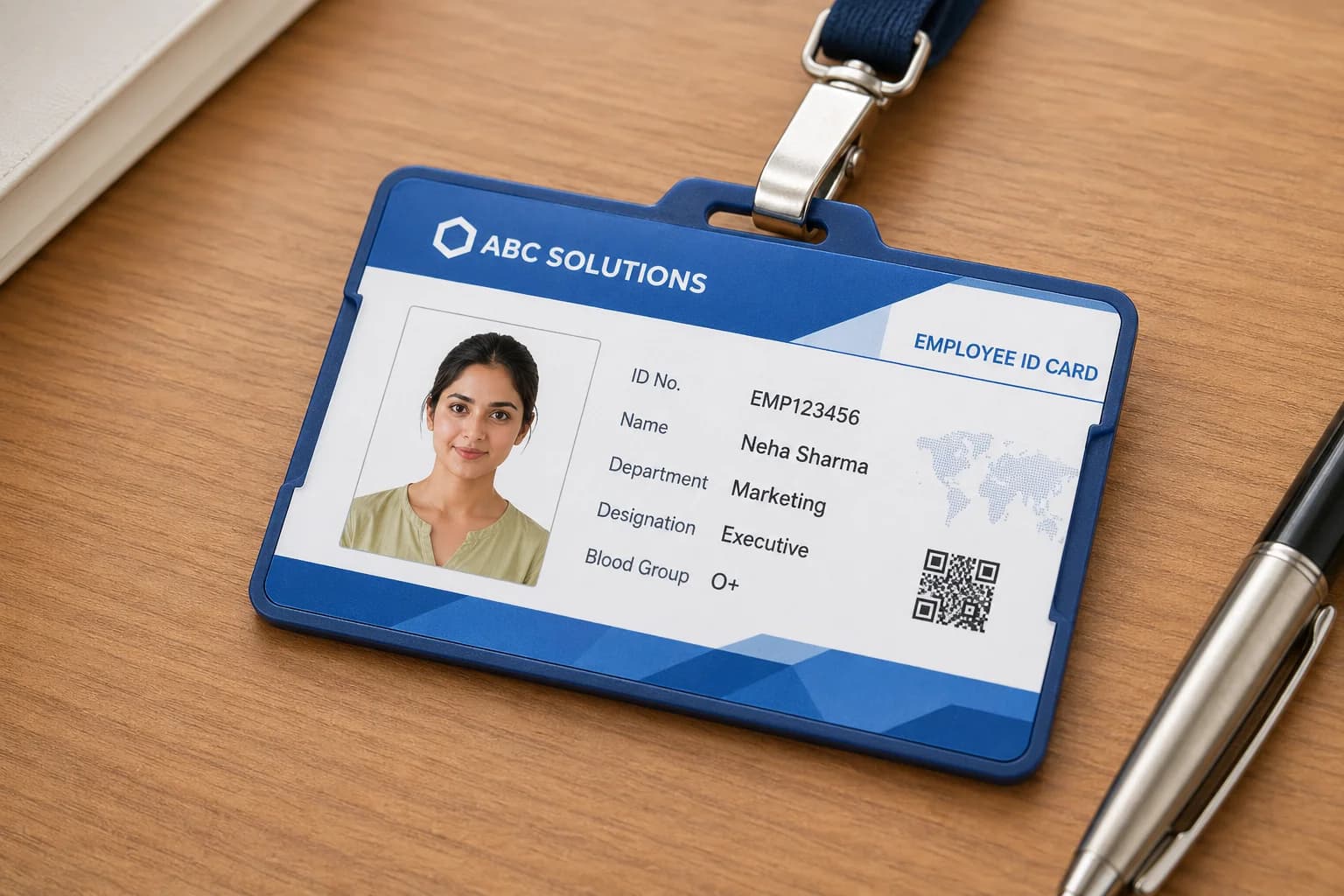
Other ID Photos
Driving license, Student ID & more
Standard Indian passport photos measure 35×45mm. This dimension is widely accepted across official government applications including Indian passports, visa forms, Aadhaar card, driving license, and various entrance exams.
| Specification | Requirement | Details |
|---|---|---|
| Photo Size | 35×45mm | Standard Indian passport format under ICAO Doc 9303 |
| Background Color | Pure White (#FFFFFF) | Plain, no patterns, clutter, or shadows |
| Face Coverage | 70–80% | Face should occupy 70–80% of the vertical frame |
| Head Position | Centered & Straight | Look directly at the camera with level shoulders |
| Expression | Neutral | Mouth closed, no smiling or frowning |
| Eyes | Open & Visible | No red-eye, squinting, or hair covering the eyes |
| Eyeglasses | Not Allowed | Restricted for Indian passport photos (remove before photo) |
| Head Covering | Religious Only | Full facial features from chin to forehead must be visible |
| Digital Resolution | 630×810 pixels | Required digital upload dimensions for Passport Seva |
| File Size | 10 KB – 250 KB | For Passport Seva online portal upload |
| Photo Recency | Within 6 Months | Must reflect your current physical appearance |
Passport photos must be 35×45mm with a matte or semi-matte finish. Background must be pure white (#FFFFFF) without borders. Face must be centered, recent (within 6 months), with both ears visible and full head from top of hair to bottom of chin.
Aadhaar photos follow standard 3.5×4.5cm proportions. The background should be plain light/white and the applicant’s face must be clearly visible without shadows.
Visa photo sizes vary by destination country (e.g. 2×2 inches for US, 35×45mm for Schengen and UK). Always check specific embassy rules before submission.
Most Indian competitive exams (SSC, UPSC, Banking, State PSCs) require a standard 35×45mm photo with a white background. Certain forms also ask for candidate name and date printed below the photo.
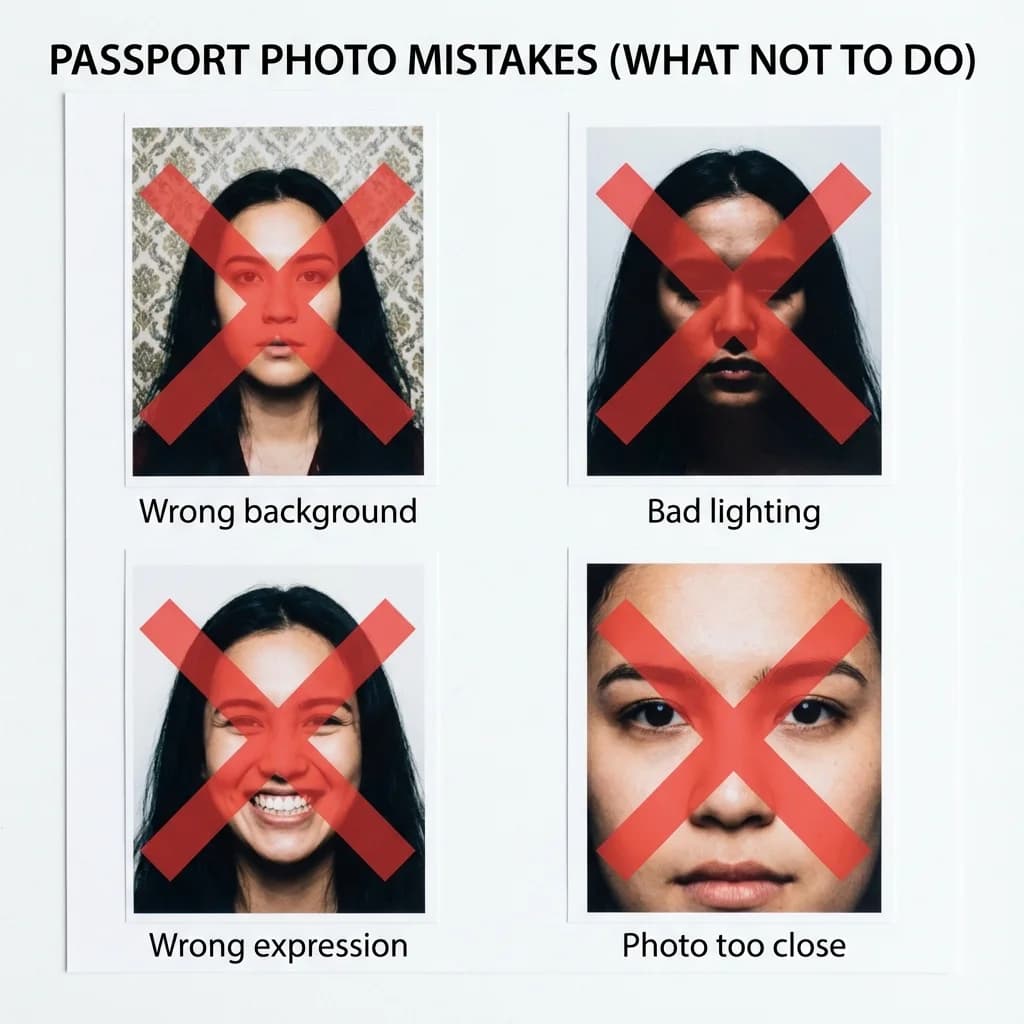
Avoid colored backgrounds, patterns, or visible shadows. Use only pure white (#FFFFFF).
Face too close, too far, or off-center reduces acceptance chances. Use our automatic cropping tool for proper placement.
Dark photos, harsh shadows across one side of the face, or overexposed images get rejected. Ensure even, natural daylight.
Do not use beauty filters, Snapchat filters, or heavy editing. Photos must show natural skin tone and features.
Photos older than 6 months may be rejected as they don't represent current appearance.
File Format: JPEG or JPG preferred
File Size: Between 10 KB and 250 KB
Image Dimensions: 630×810 pixels
Resolution: 300+ DPI for print quality
Color Space: sRGB
In today’s digital era, getting a compliant passport photograph should not require an expensive trip to a photo studio. Welcome to PassportSizePhoto.in, an advanced browser-based utility designed to let anyone create formal, government-compliant photos completely for free. Whether you are applying for an Indian passport, global visas (US, UK, Schengen), Aadhaar card, or PAN card, our digital tools empower you to format your images perfectly from the comfort of home.
As experts in digital identity and photography, we observed millions of users struggling with complex desktop software like Photoshop just to crop an image to 35×45mm or 3.5×4.5 cm. This tool eliminates the learning curve entirely.
Privacy is the top priority when working with personal identity documents. Unlike other server-based photo editors that upload your face to remote clouds for processing, PassportSizePhoto.in operates on a zero-data-transfer architecture. Here is how it works:
Government organizations are incredibly strict regarding photo backgrounds. Most require a clean, uniform pure white (#FFFFFF) background with zero shadows or textures. Taking such a photo at home without professional lighting gear is exceptionally difficult.
To solve this, our tool leverages edge-computing AI models. When you upload a photo taken in your living room, our engine separates the foreground (you) from the background. It carefully identifies hair strands and shoulders, strips out the background, and inserts a pure `#FFFFFF` white canvas behind you in milliseconds directly on your device.
Our platform guarantees that your dimensions (630×810 pixels) and DPI (300+) are exact. However, human photography factors can still cause rejections. Here are the core rules to follow when capturing your base photo:
The information and tools provided on this page are designed by photography and digital identity experts to assist users in meeting document specifications. PassportSizePhoto.in is an independent private utility. We are not affiliated with the Government of India, MEA, UIDAI, or any official embassy. Always double-check official portal requirements before submitting your application.
Get answers to the most common questions about creating and using passport size photos in India.
The standard passport size photo in India is 35×45mm (3.5×4.5 cm). Passport Seva follows ICAO Doc 9303 standards, and digital uploads must be 630×810 pixels in JPEG format under 250KB.
You can create a passport photo at home using PassportSizePhoto.in. Simply take a portrait against a plain wall using your smartphone, upload it to our site, and our tool adjusts it to standard passport size. Download and print on photo paper at any local shop.
Yes, PassportSizePhoto.in is 100% free with no hidden charges. You can create unlimited photos without registration, watermarks, or payment steps.
Only pure white (#FFFFFF) is accepted by Passport Seva for Indian passport photos. Keep the background plain with no shadows, patterns, or objects visible.
Yes! Photos created with PassportSizePhoto.in satisfy all official Indian passport photo rules including dimensions (35×45mm), background (#FFFFFF white), pixel resolution (630×810px), and file size limits (10KB–250KB).
For fresh passport applications or renewals, you typically need 2 physical photos if submitted in person. We recommend printing a 4 or 6-photo sheet for backup.
Yes. 35×45mm is mandatory under ICAO Doc 9303 international standards for Indian passports. For online Passport Seva submission, use 630×810 pixels JPEG under 250KB.
No. Spectacles and eyeglasses are not permitted in Indian passport photos since 2020. Remove prescription glasses, sunglasses, and tinted lenses before taking your photo.
No. Passport photos require a neutral facial expression with mouth closed and eyes open, looking directly into the camera lens.
Yes, provided the photo is taken front-facing in bright lighting against a plain background (or use a tripod/friend to take the photo). Upload it here and we format it properly.
Common rejection reasons include wrong background, incorrect dimensions, shadows, or old photos. PassportSizePhoto.in automatically applies correct white background and 35×45mm dimensions to prevent rejection.
Download our print-ready sheet (4 or 6 photo layout), use good 180–200 GSM photo paper, set your printer to "Best Quality" photo mode, and print at 100% scale (turn off fit-to-page).
Yes. All image processing runs locally in your browser using WebAssembly. Your photos are never uploaded to or stored on any external server.
Photo studios charge ₹40–100 for passport photos. With PassportSizePhoto.in, you generate the photo sheet for free and pay only ₹5–10 to print it at a local print shop, saving 80%.
Yes! Photos generated here work across Aadhaar card, PAN card, driving license, voter ID, exam forms, and all government document applications.
Still have questions?
Try It Now — It’s Free!Start Making Your 35x45mm Passport Photo Free
Upload your photo now and get started instantly.