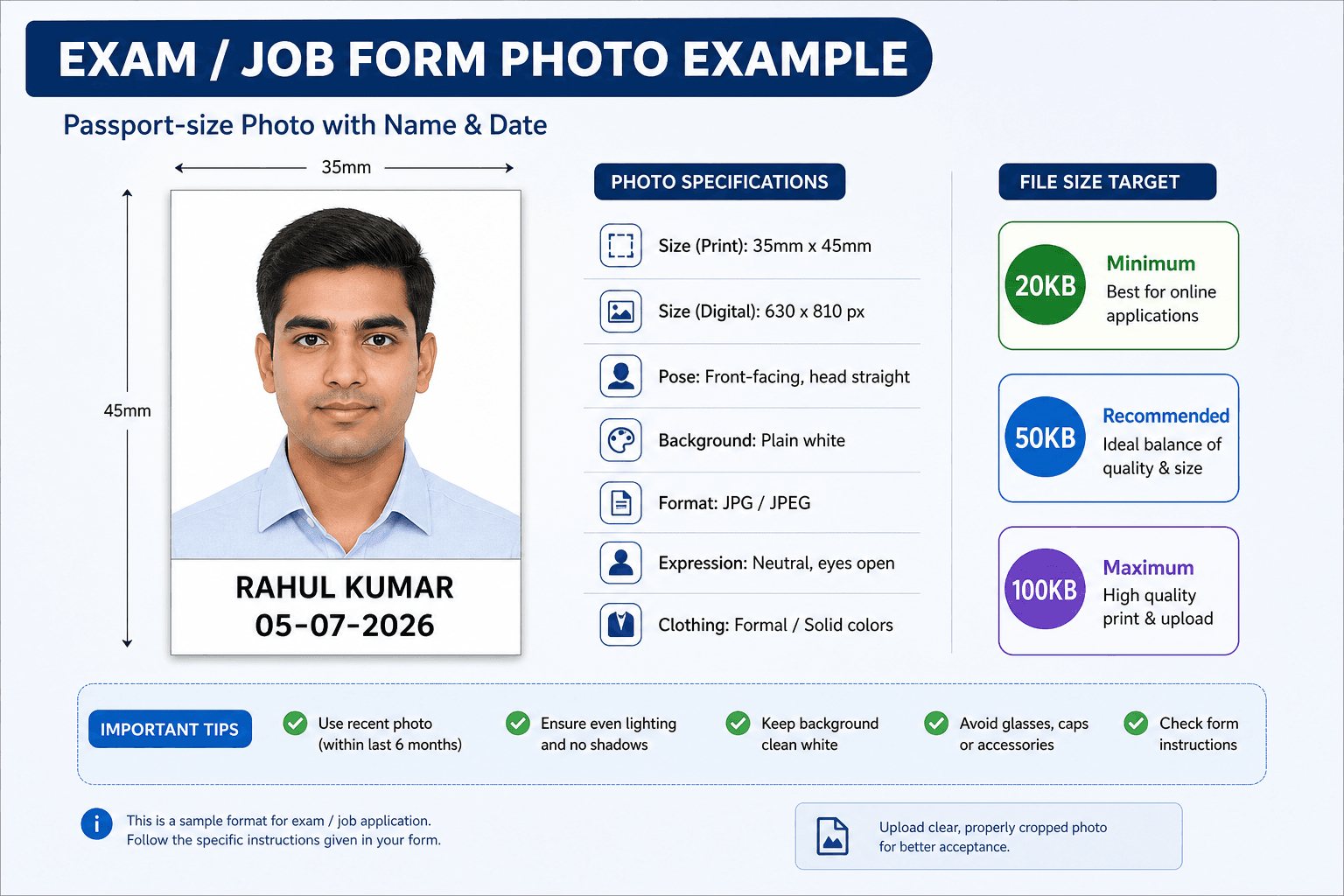
Exam and form photo format

Passport Photo With Name and Date

Prepare a passport-size photo layout with a name and date text strip for exam, job, and application forms that request this format.

Name and date fields
Exam form intent
Readable text strip
Compression links

Add name and date

Enter the text your form asks for, then upload the photo to continue editing.

टूल विकल्प

Different exams use different text, size, and file limits. Match the exact notification before final upload.

Passport photo with name and date maker preview

When forms ask for name and date

Some exams and job forms ask for the candidate name and date printed below the photo.

  • Use the same spelling as the application
  • Use the date format requested by the form
  • Keep text readable
  • Do not cover the face crop

Placement and file size

The name/date band increases the final image height or canvas area, so check both dimensions and file size.

  • Keep a clean white text band
  • Use dark readable text
  • Compress only after the layout is complete
  • Preview before upload
Exam form photo with candidate name and date format example

Exam photo format example

Use a readable text strip and keep the face crop clear.

Related tools and guides

Passport Photo With Name and Date FAQ

How do I add name and date to passport photo?

Enter the name and date requested by the form, add the text strip below the photo, then export the final image.

Which date format should I use?

Use the exact date format mentioned in your exam or application instructions.

Should I compress after adding name and date?

Yes. Add the text first, then compress the final file to the required size limit.

PassportSizePhoto.in is an independent private utility. It is not affiliated with Passport Seva, MEA, UIDAI, NSDL, any exam authority, or any government body. Always verify the latest official document instructions before submitting your final photo.