PAN Card Photo Size & Specifications
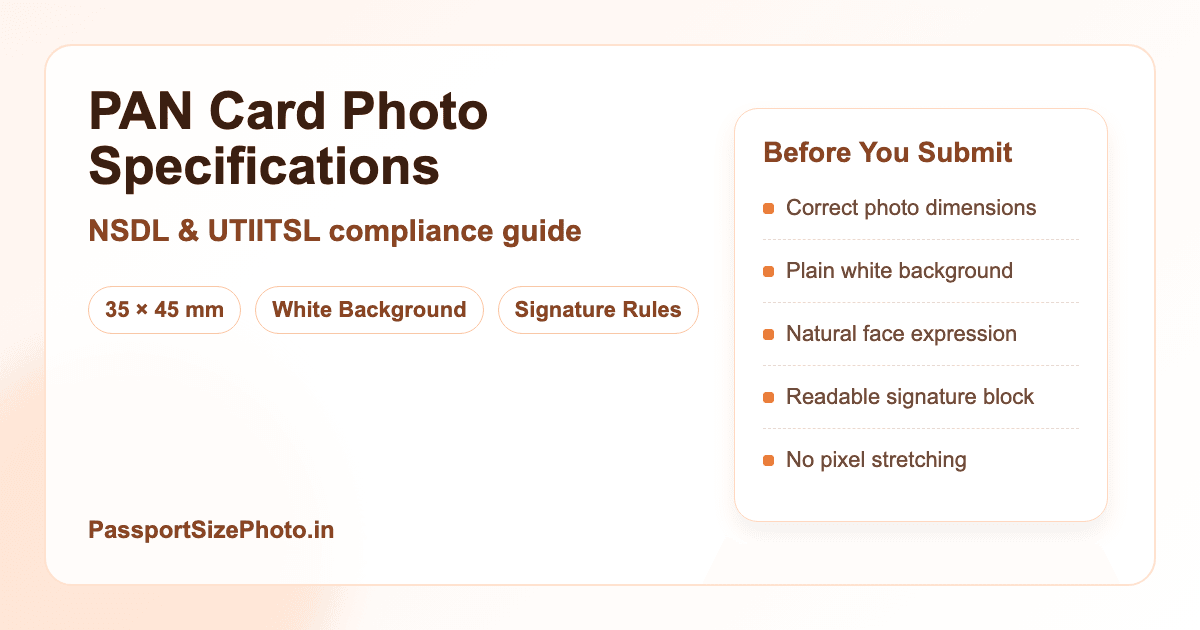
Complete guide to PAN card photo requirements for NSDL and UTIITSL applications. Standard size: 35×45mm
We review this page regularly when government specifications or portal rules change.
Continue Reading
How we keep this guide updated
We review this guide when Passport Seva, UIDAI, NSDL, embassy portals, or official document specifications change. We also revise examples and FAQs based on common user errors.
PAN photo and signature
PAN work needs both photo crop and signature quality
PAN applications commonly need a clear photo and a separate signature image. Prepare both files with plain backgrounds, readable edges, and conservative compression so the upload does not blur either item.
- Avoid cropped signature edges.
- Keep photo and signature files within the portal limits.
- Use a fresh signature scan or clear phone capture on white paper.
PassportSizePhoto.in is not affiliated with NSDL, UTIITSL, or Income Tax Department portals. Confirm final file limits on your PAN form.

Related next steps
PAN Card Photo Specifications
Detailed Photo Requirements
A PAN photo should feel simple, sharp, and easy to verify. The safest version is one that looks like a recent passport-style photo, with the face centered, the background clean, and the lighting even enough that there are no harsh shadows on the cheeks or under the chin.
| Specification | Requirement |
|---|---|
| Size | 35×45mm |
| Background | Plain white |
| Color Format | Color photo (preferred) |
| Face Coverage | 70-80% of frame |
| Expression | Neutral, mouth closed |
| Print Quality | High resolution, clear |
If you are printing the photo, use a proper photo print instead of regular office paper. If you are uploading digitally, avoid over-compressing the file. Both versions should keep the eyes sharp and the face easy to recognize at a glance.
Online vs Physical Application
Online Application
- File Format: JPEG only
- File Size: 20 KB - 200 KB
- Dimensions: 350×350 pixels minimum (PAN-specific)
- Portal: NSDL or UTIITSL website
- Signature: Also required as JPEG, 2-100KB
The portal usually rejects files that are blurry or stretched, even when the size looks correct. Check the preview before submitting so the crop stays natural.
Physical Application
- Photo Size: 35×45mm printed
- Paper: Photo paper quality
- Quantity: 2 photos typically needed
- Affixing: Paste on form, don't staple
- Signature: Sign across photo edge
Carry one extra print if possible. Small variations in lighting or trimming can matter once the form is checked at the counter.
Do's and Don'ts
The most reliable PAN photo is usually the most straightforward one. Keep the face visible, avoid beauty filters, and choose clothing that does not blend into the background so your features remain easy to separate from the image.
DO'S
- Use plain white background
- Ensure clear face visibility
- Use recent photograph
- Match photo with ID documents
DON'TS
- Don't use colored backgrounds
- Don't use blurry photos
- Don't use old photographs
- Don't apply beauty filters
Signature Requirements
Along with photo, PAN applications require a signature scan or image. Sign on plain white paper, use dark ink, and keep the stroke steady so the file remains crisp after compression.
A signature that is too thick, too small, or written with a shaky hand may upload successfully but still look messy in verification. If you scan it once and it looks soft, re-capture it with more light and less movement.
Final Checklist Before You Submit
The best PAN application photo is usually the one that has been checked slowly, not the one that was rushed through in a hurry. Before you upload or print, make sure the photo and signature both look clean at full size, not just in a tiny preview window.
Photo Checklist
- Face is centered and easy to recognize
- Background is plain white and distraction-free
- No strong shadow cuts across the face
- Image is recent and matches your current appearance
Signature Checklist
- Signature is written on clean white paper
- Ink is dark enough to scan clearly
- Stroke is readable and not too cramped
- File size stays within the portal limits
If anything feels slightly off, retake it before submitting. A few extra minutes now is easier than fixing a rejection later, especially when you need the PAN application processed without delay.
Common PAN Upload Mistakes
Wrong Size Or Crop
If the face looks too small or too close to the edge, the final file may still upload but not look correct. Re-crop so the head sits naturally inside the 35×45mm frame.
Too Much Editing
Filters, smoothing, and strong color edits can make the image look less natural. Keep the final photo realistic so it matches your appearance during verification.
Signature Too Light
Write the signature with darker ink and scan it again if it looks faint. A sharp signature is easier to review and more likely to hold up after compression.
File Size Issues
Make sure the image stays within the upload limits used by the portal. If the file is too large, resize it carefully instead of repeatedly uploading the same version.
How To Prepare A Cleaner PAN Submission
The easiest way to avoid PAN photo trouble is to prepare both the image and the signature before you open the application form. That gives you time to review the files carefully instead of trying to fix size problems while the portal is still open.
Photo Prep
- Use a recent image that still looks like you today
- Keep the face square to the camera
- Use simple clothing that does not blend into the background
- Check the image at full size before uploading
Signature Prep
- Sign on plain white paper with dark ink
- Keep the writing steady and not too cramped
- Scan or photograph the signature in bright light
- Resize carefully so it stays within the portal limits
If the photo and signature both look sharp before submission, the rest of the process is usually much easier. Small preparation steps save you from repeated uploads and reduce the chance of a rejection caused by a simple formatting mistake.
Frequently Asked Questions
What is the PAN card photo size?
PAN card photo size is 35×45mm under the current widely used India document format. Keep the face centered, leave a small margin around the head, and keep the crop clean for both upload and print.
Can I use passport photo for PAN application?
Yes. A recent passport-style photo usually works well for PAN if it follows current 35×45mm framing, clean background, and clarity requirements.
What background color for PAN photo?
Use a plain white background with no pattern, texture, or shadow. A clean backdrop helps the face stand out clearly and reduces the chance of the application being flagged.
Is signature required with PAN photo?
Yes. PAN applications need both the photo and a signature scan. Sign on plain white paper with dark ink so the signature looks sharp when uploaded.
What is digital photo size for online PAN?
For online PAN application, keep the file in JPEG format, usually between 20 KB and 200 KB, with PAN-specific minimum dimensions of 350×350 pixels so the image stays readable.
Can children apply for PAN?
Yes, minors can apply for PAN and the same 35×45mm photo size applies. For younger children, use a recent picture that shows the face clearly and naturally.
How recent should PAN photo be?
Use a recent photo that reflects your current appearance, ideally taken within the last few months. If your hairstyle, beard, or face shape has changed, retake it.
Is color photo mandatory for PAN?
Color is the safest choice and the standard for most applications. It gives better detail, looks more natural, and usually reduces back-and-forth during verification.
What are common PAN photo rejections?
Common rejections include the wrong size, poor lighting, a patterned background, an old picture, or a face that is too small, too dark, or hidden by effects.
Can I wear glasses in PAN photo?
Prescription glasses are usually fine if there is no glare and your eyes are still clearly visible. Sunglasses, tinted lenses, and heavy reflections should be avoided.
Create Your PAN Card Photo Now
Our free tool creates photos meeting all Income Tax Department specifications, with a clean crop, white background, and upload-ready file sizing.
Create Free PAN Photo →