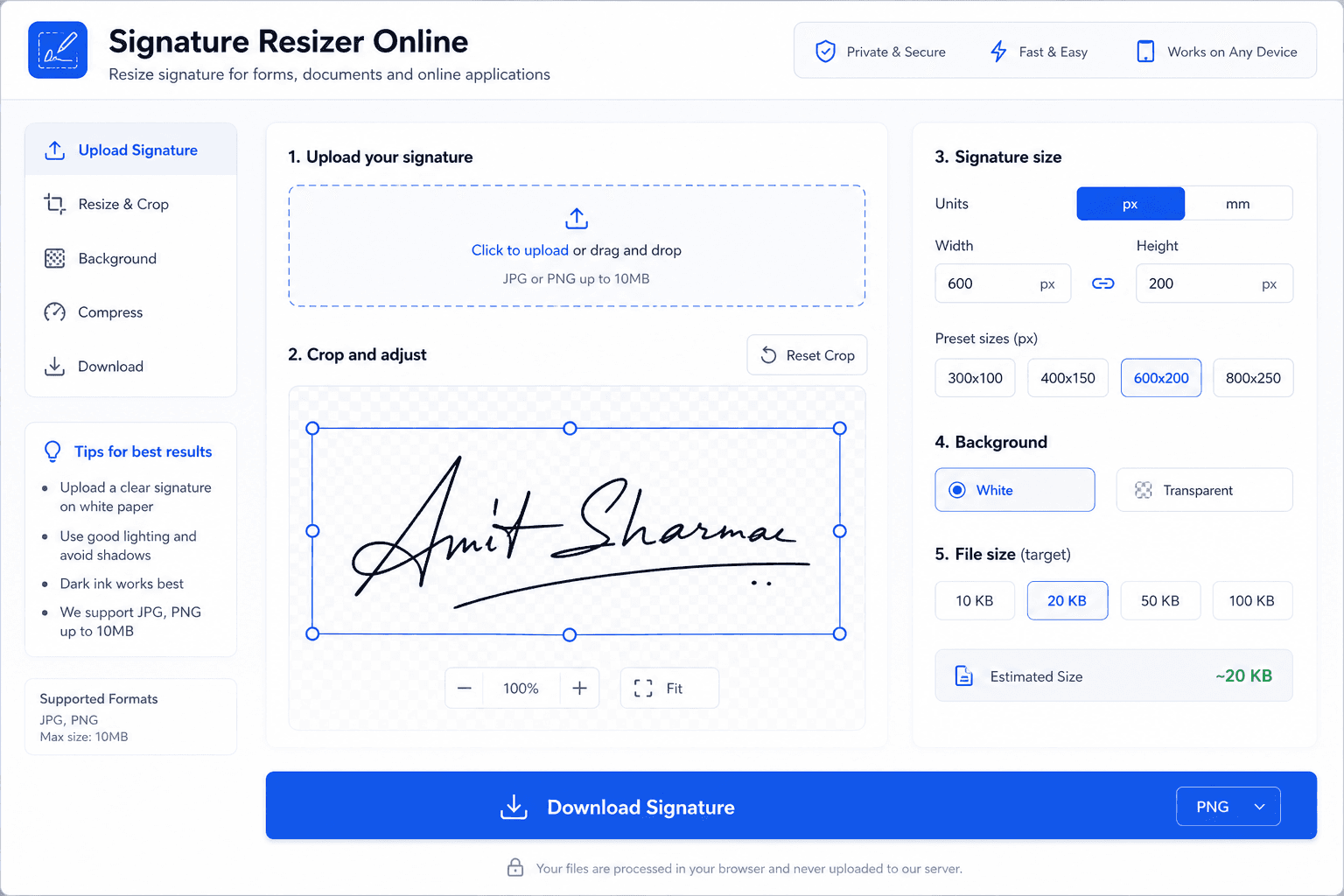
Combined photo and signature upload requirements
Most online recruitment, entrance exam, and government portals require candidates to upload two distinct files: an applicant face photo and a signature image. Some state entrance forms may even ask for a merged photo-plus-signature single image file.
- Separate Image Uploads: Standard portals like NSDL PAN, IBPS, SSC, and Parivahan require photo and signature as separate JPG files with different dimension rules.
- Merged Photo + Signature: Certain state PSC or recruitment portals require a single combined canvas containing the photo above and signature below.
- Consistent Quality: Both files must be sharp, clear, and unblurred to avoid automated document verification failure.