White background requirements
A passport-style photo should use a plain white or very light background unless the document rule says otherwise.
- No wall texture
- No colored curtains
- No heavy shadow behind the head
- Even light across the face
Clean white background for document photos
Upload a portrait photo, prepare a plain white background, and download a cleaner passport-style image for document workflows.
Start with a clear portrait. The editor can help remove or replace the old background.
Upload your photo
JPG, PNG, or WEBP up to 25MB
टूल विकल्प
Final acceptance depends on the document authority, so check the latest official requirement before submission.

A passport-style photo should use a plain white or very light background unless the document rule says otherwise.
Background replacement cannot fully rescue a dark or blurry source photo.
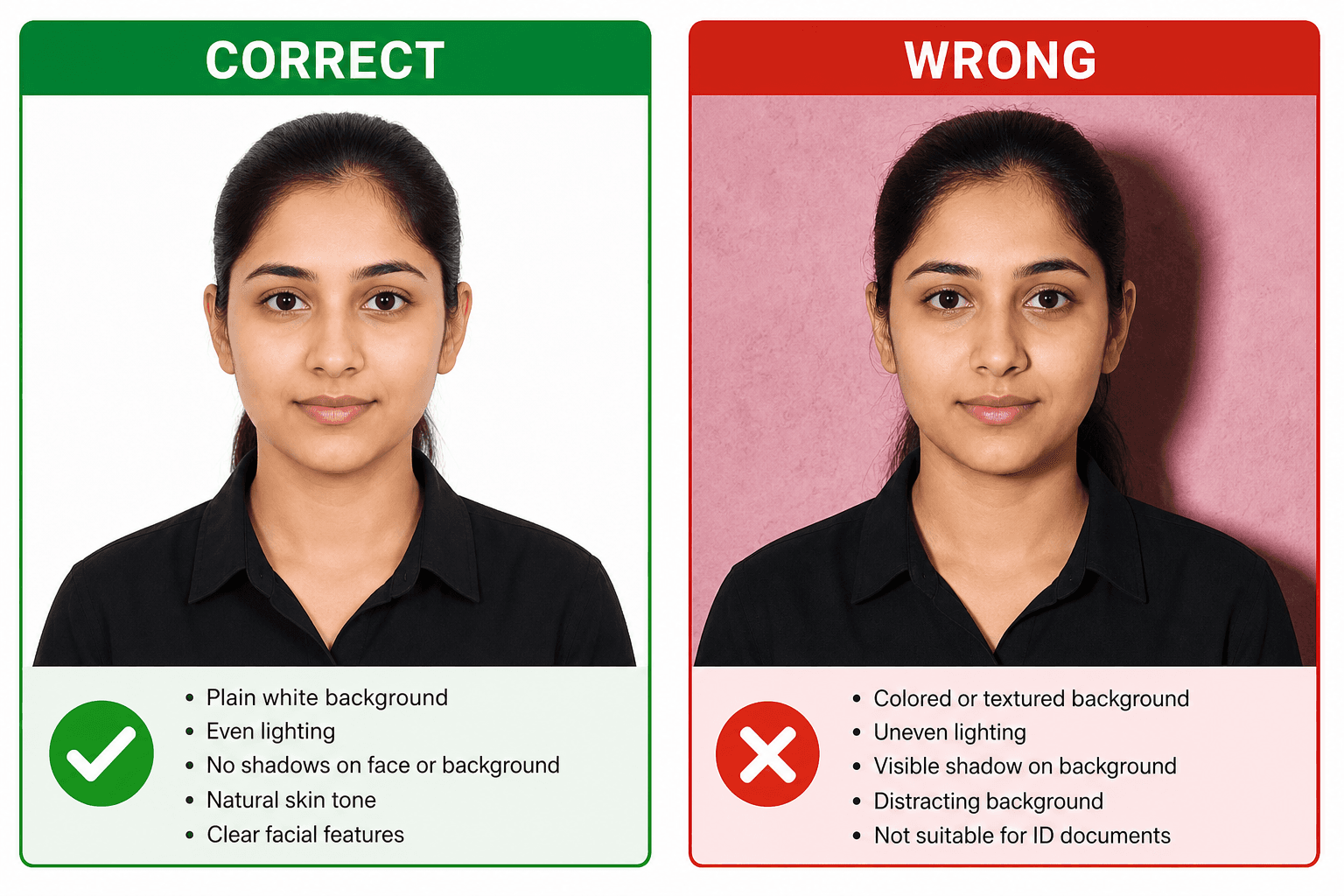
A plain white background should be even, shadow-free, and non-textured.
Yes. Upload a clear photo and use the editor workflow to prepare a plain white background.
Some documents allow light backgrounds, but passport-style workflows are safest with plain white when the rule asks for white.
It can help, but a clean source photo with even light gives better results.