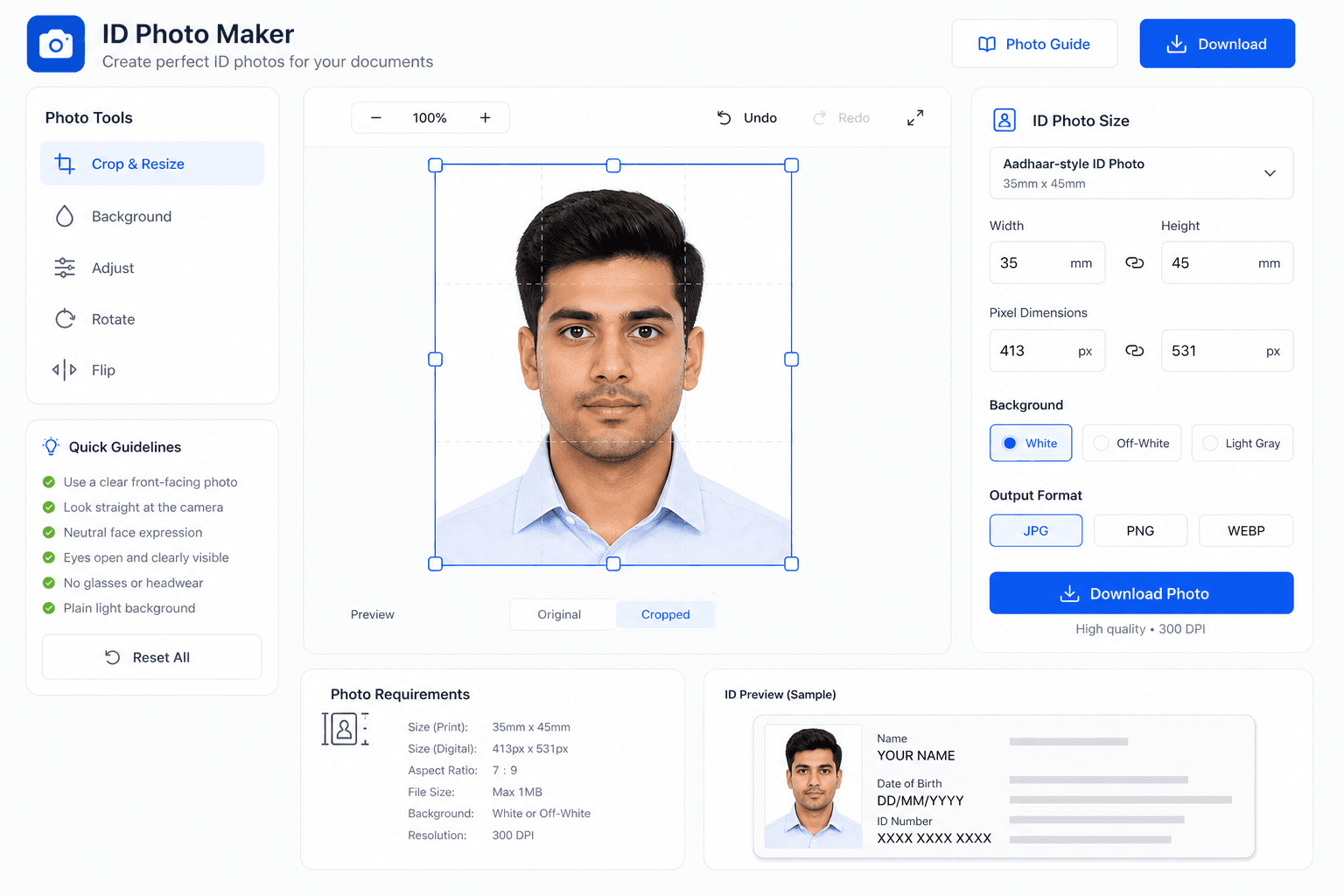
Aadhaar enrollment vs online form photo requirements
It is important to distinguish between live biometric enrollment at an Aadhaar Kendra and submitting photo files for online verification or document update applications.
- Live Capture at Kendra: During new Aadhaar enrollment or official biometric update, your photo is captured live using a webcam at the Aadhaar Seva Kendra.
- Supporting Documents & Online Portals: When filling e-KYC forms, updating details via portal, or uploading supporting ID proofs, digital photo files must adhere to UIDAI guidelines.
- Uniform ID Standard: Preparing a photo to 3.5×4.5cm standard ensures your physical printed ID photos match official government standards.